Service Offerings
Understanding service offerings in the booking system
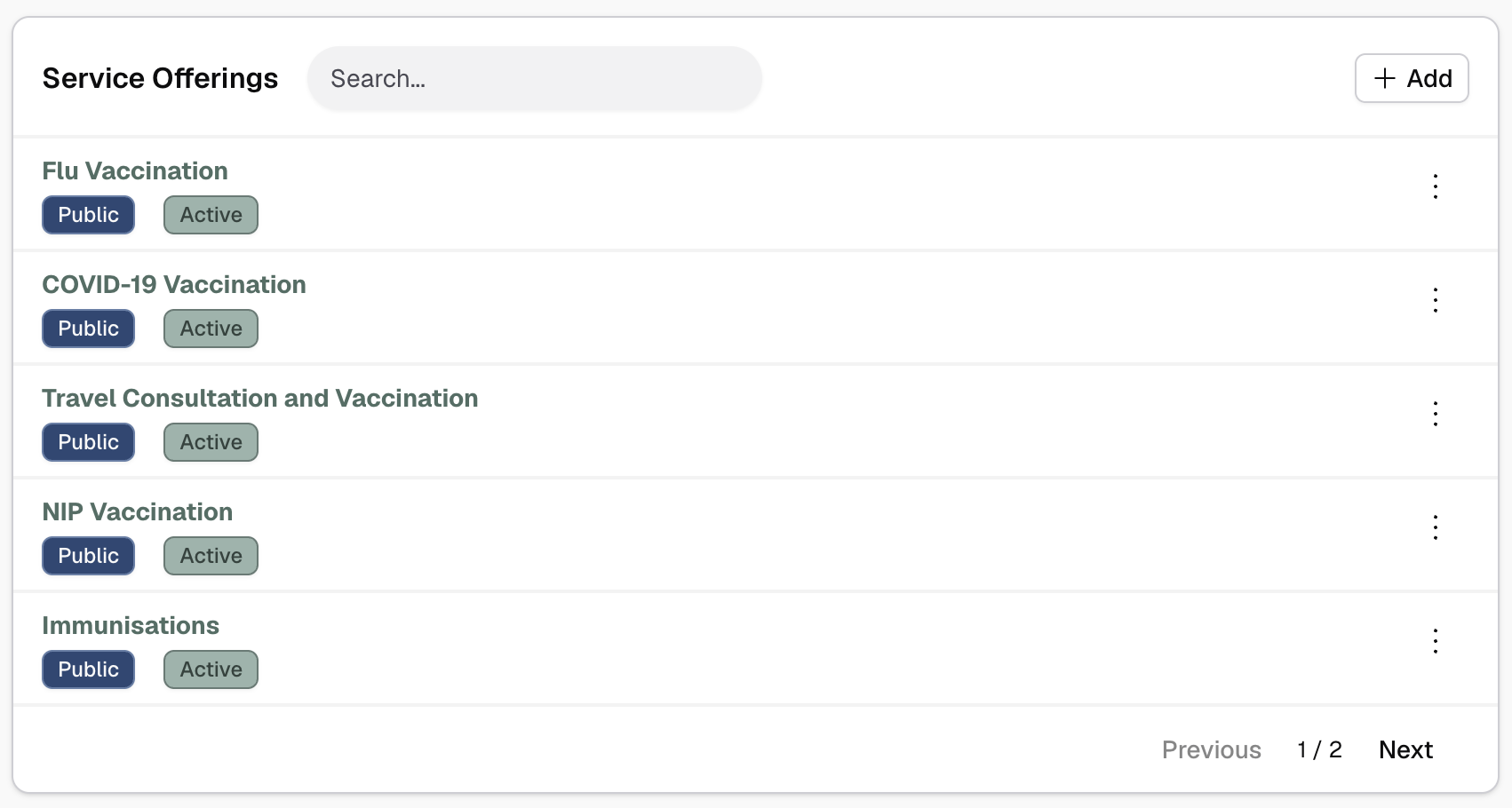
Service offerings are what customers can book - consultations, vaccinations, health checks, and other services your pharmacy provides.
Service Catalogue vs. Offerings
The system has two levels:
- Service Catalogue - Services defined at your organisation level (e.g., "Vaccination", "General Consultation")
- Service Offerings - Your site's specific implementation of those services with pricing, duration, and availability
You enable offerings based on your organisation's service catalogue.
Where to Manage Service Offerings
Service offerings are configured during the Configure Bookable Services step of onboarding and can be managed from the Settings page under the Service Offerings section.
Tip: Use the command palette (Cmd+K or Ctrl+K) and search for "Services" to quickly navigate.
Offering Properties
Each service offering has:
- Duration - How long the service takes (in minutes)
- Pricing - Cost of the service (optional - leave empty for free)
- Availability mode - How availability is calculated
- Linked resources - Which resources can provide this service (if appropriate)
- Status - Active, inactive, or public/unlisted/private
- Booking configuration - Buffers, advance booking limits
How Offerings Work
When a customer wants to book a service:
- They select from your active, public offerings
- System calculates available time slots based on linked resources and service constraints
- Customer picks a time
- System assigns appropriate resources to the booking